- Pick a trade catalog. Start from HVAC, plumbing, electrical, roofing, painting, handyman, or another built-in list so the first draft is not blank.
- Build the estimate. Add quantities, price, discount, taxes, deposit, notes, and optional photos. Totals update as you type.
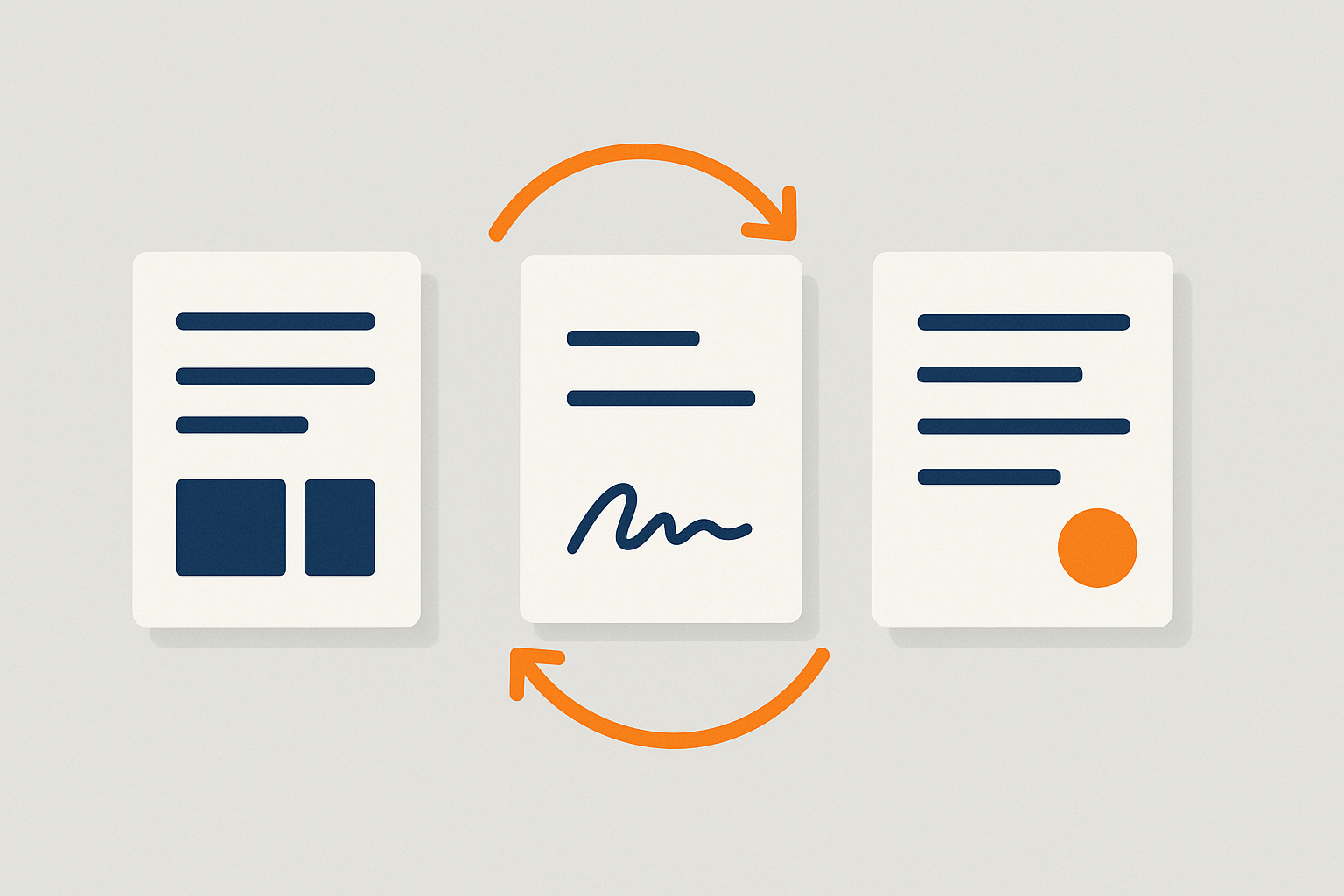
- Client signs on your phone. Hand the phone, capture the signature and printed name before you leave. A certificate page records who, when, and a document fingerprint.
- Convert to invoice or add a change order. One tap carries line items into an invoice. A change order updates the contract sum and needs its own signature.
- Share the PDF. Export through the system share sheet. Free allows 3 lifetime PDF sends with a footer; Pro removes that limit.
Works offline on the job. No cloud account wall. Optional one-file backup is Pro. See offline, no account.